ForeSITE
Survey, treat, analyze.
ForeSITE runs natural resource management from the field to the office.
How it works
Three steps.
Natural resource managers and biologists iologists identify the target, field crews act on it.
Predict
The predictive layer matches weather, water conditions, occurrence records, imagery change, and movement data to the conditions each target favors. The output is a ranked site list with the reason for each site.
Identify
Natural resource managers and biologists locate, photograph, and classify the target on the mobile app: species or feature, location, extent, density, and priority. The survey records the device track.
Act
The plan goes to an in-house crew or contractor, who records what they treated, which treatment method, how much, and where. Approvals and rejections route to the people who own them.
Verify
A return survey confirms the result at the same site. Analysis tools show trends over time across several metrics.
ForeSITE platform
Three parts, beginning to end workflow captured within ForeSITE.
A mobile app for the field, a web app to run the program, and maps and reports for leadership or external reporting.
In practice
What a real workflow looks like, from sightings to analysis.
A biologist surveying a reservoir finds a dense patch of primrose-willow and logs it as a survey in ForeSITE Go, marking the location, the acreage, a photo, and any details that help inform the crew.
The survey syncs and the crew sees it
ForeSITE Go works fully offline. When back online, the survey syncs to ForeSITE. In-house crews view it, and contractors receive the geospatial file for reference.
The crew treats the patch
A crew heads to the reservoir and treats the invasive with foliar spraying or any other treatment method the management plan defines.
Daily reports roll into the week
The applicator files a report with the chemical information, wind reading, hours by category, equipment used, and notes. At the end of the week, those reports roll up into a weekly report for biologists to review and approve.
Approved weeks feed every report
Approved weeks flow into treatment reports, site analytics, and contractor invoicing, and export to Excel or PDF for further reporting and analysis.
Modules
What managers work in.
Seven modules in one web application. Each role sees the modules and data it owns.
- Management PlansCreate a plan for a site: target species or features, recommended methods, instructions, and the crew or contractor assigned.
- SurveysMap what crews find in the field with a mobile app, adding waypoints, density, and photos, and view it on the web.
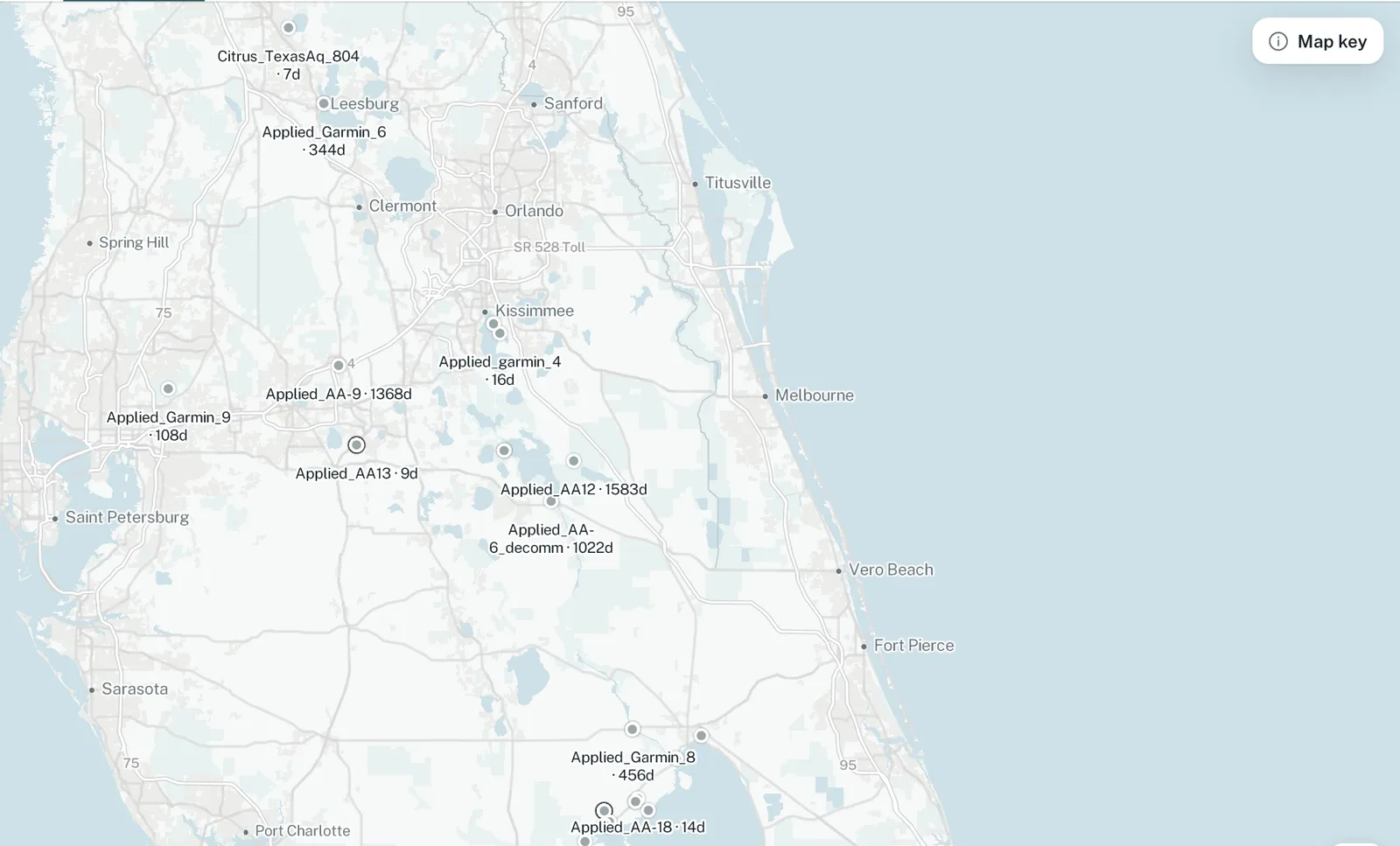
- Spray TrackerTrack treatment activity and product use with geospatial tracks by program, plan, and reporting year.
- Management ReportsDaily reports, weekly submissions, and annual reports by management plan. Review, approve, or reject.
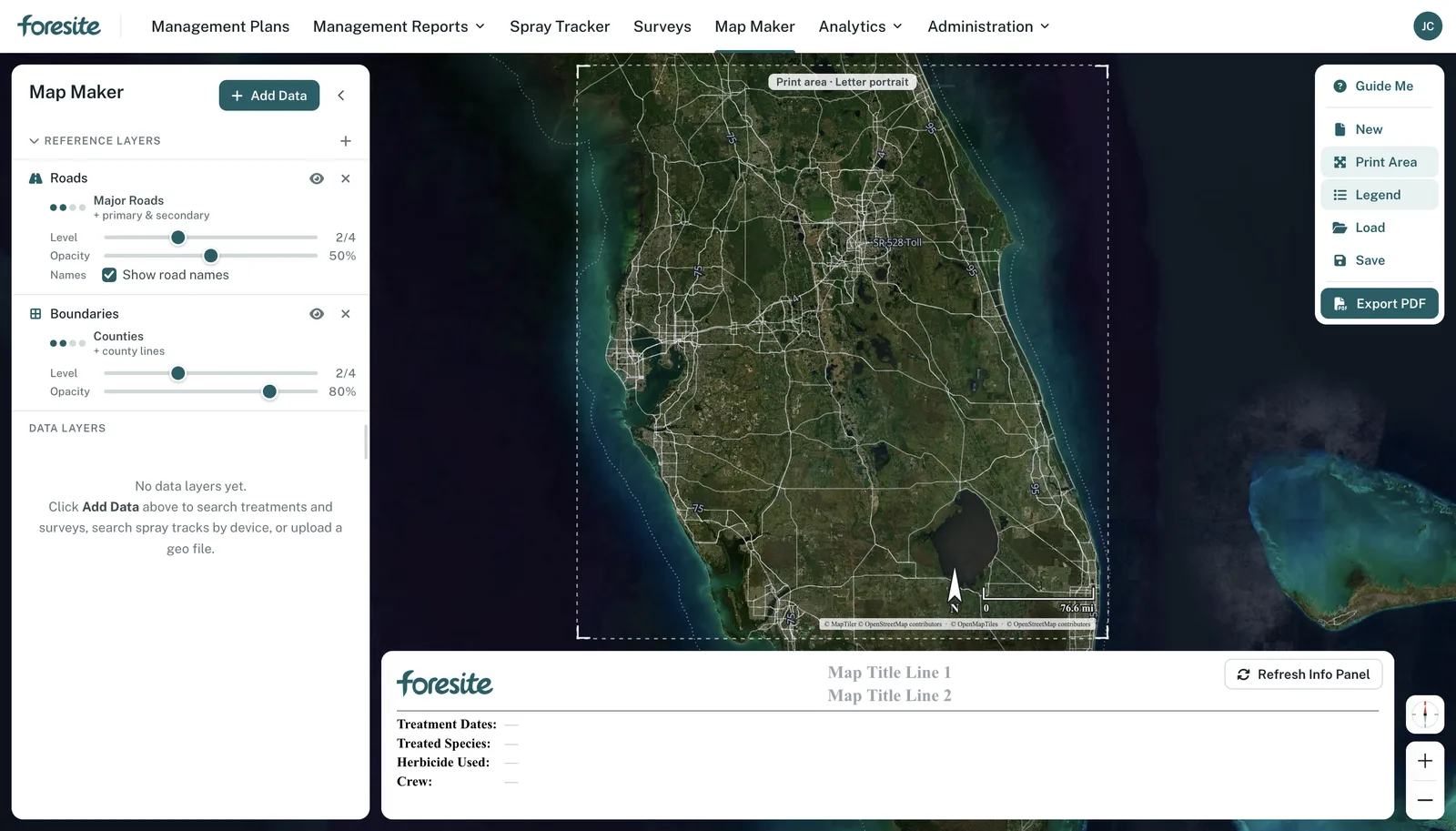
- Map MakerCompose print-ready maps from reference layers, treatments, surveys, spray tracks, or an uploaded geo file, and export to PDF to share with external stakeholders.
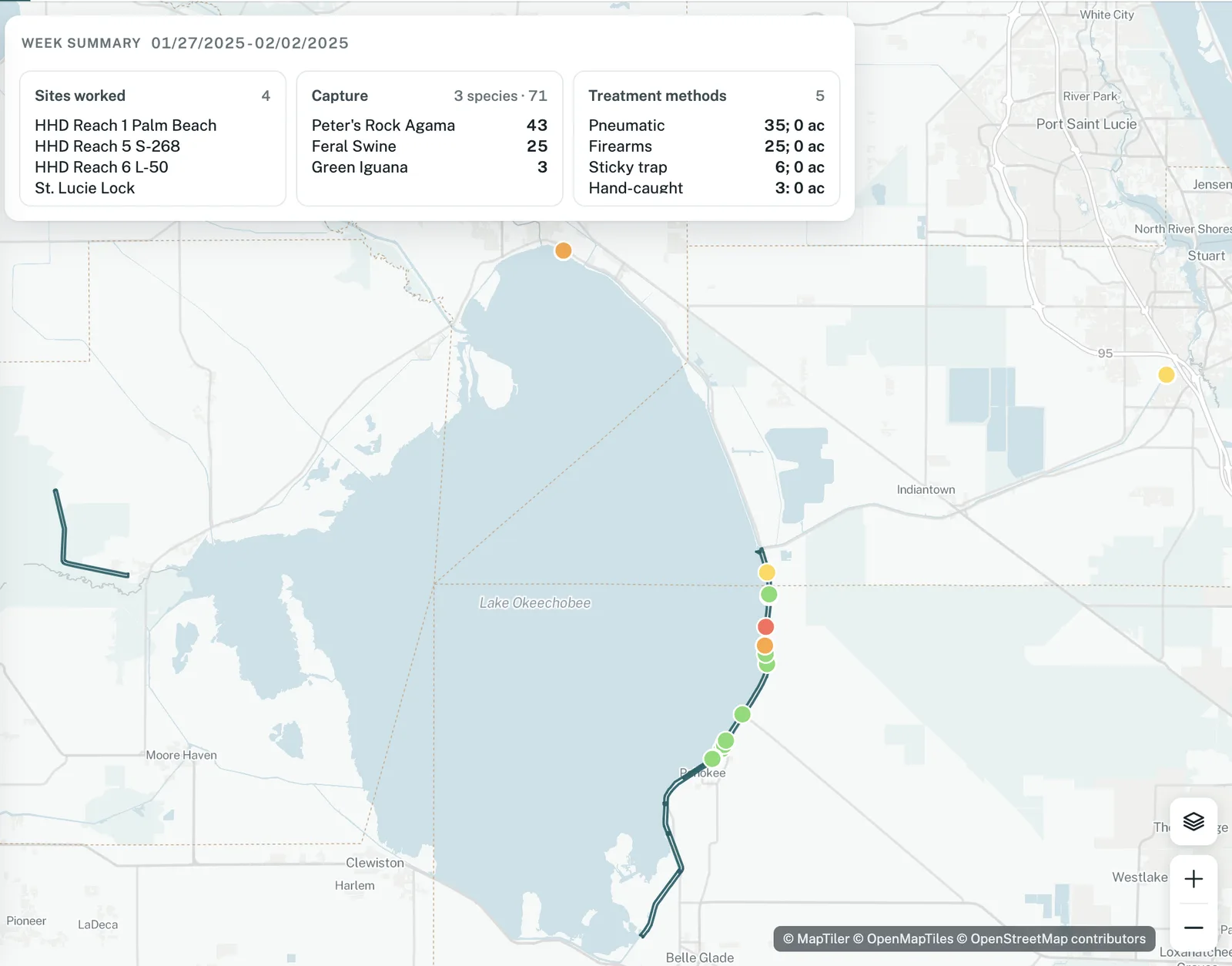
- AnalyticsSite analysis across acres covered, species, chemical amount, and captures, with side-by-side site comparison and Excel export, dashboards with canned views, and invoicing reports.
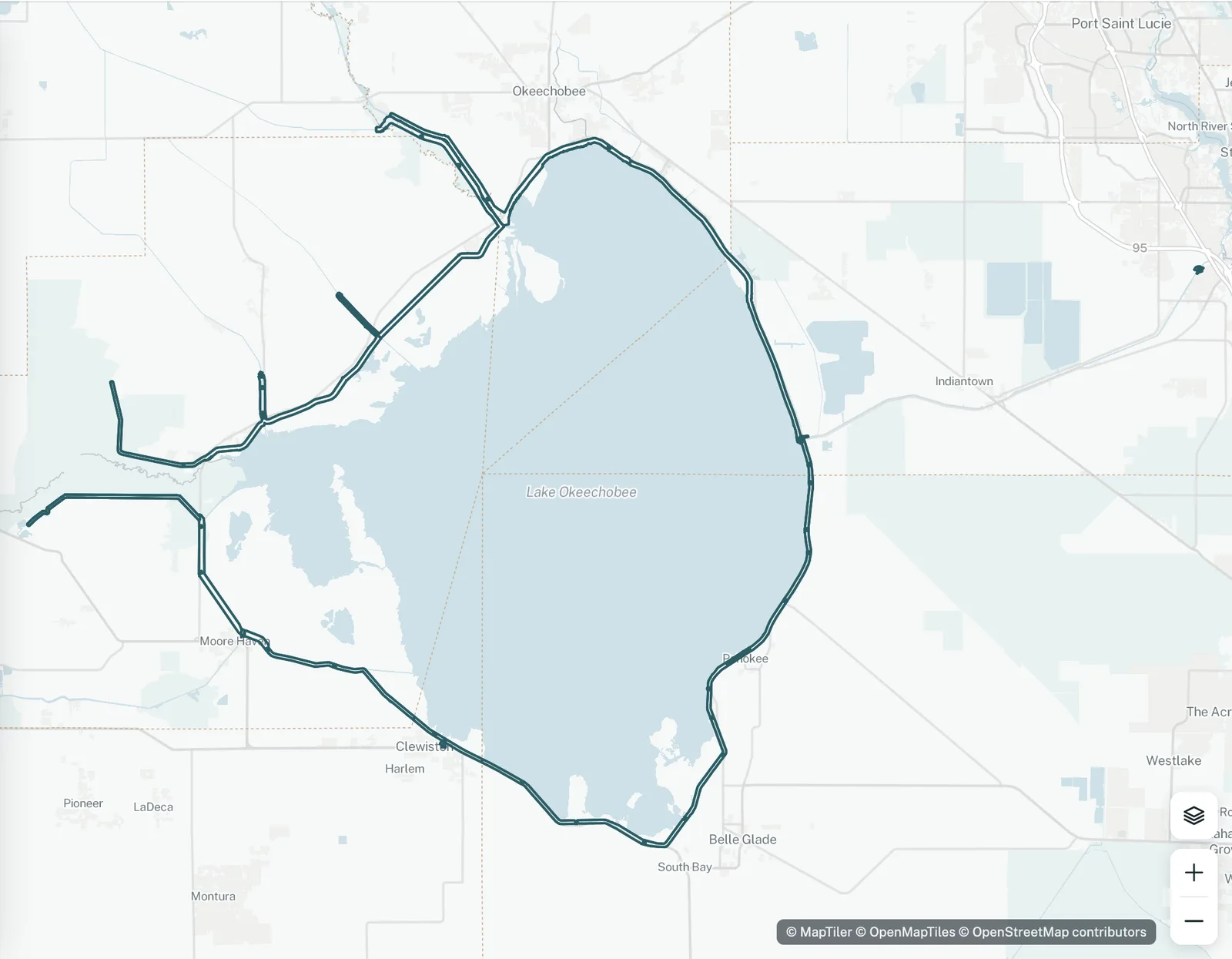
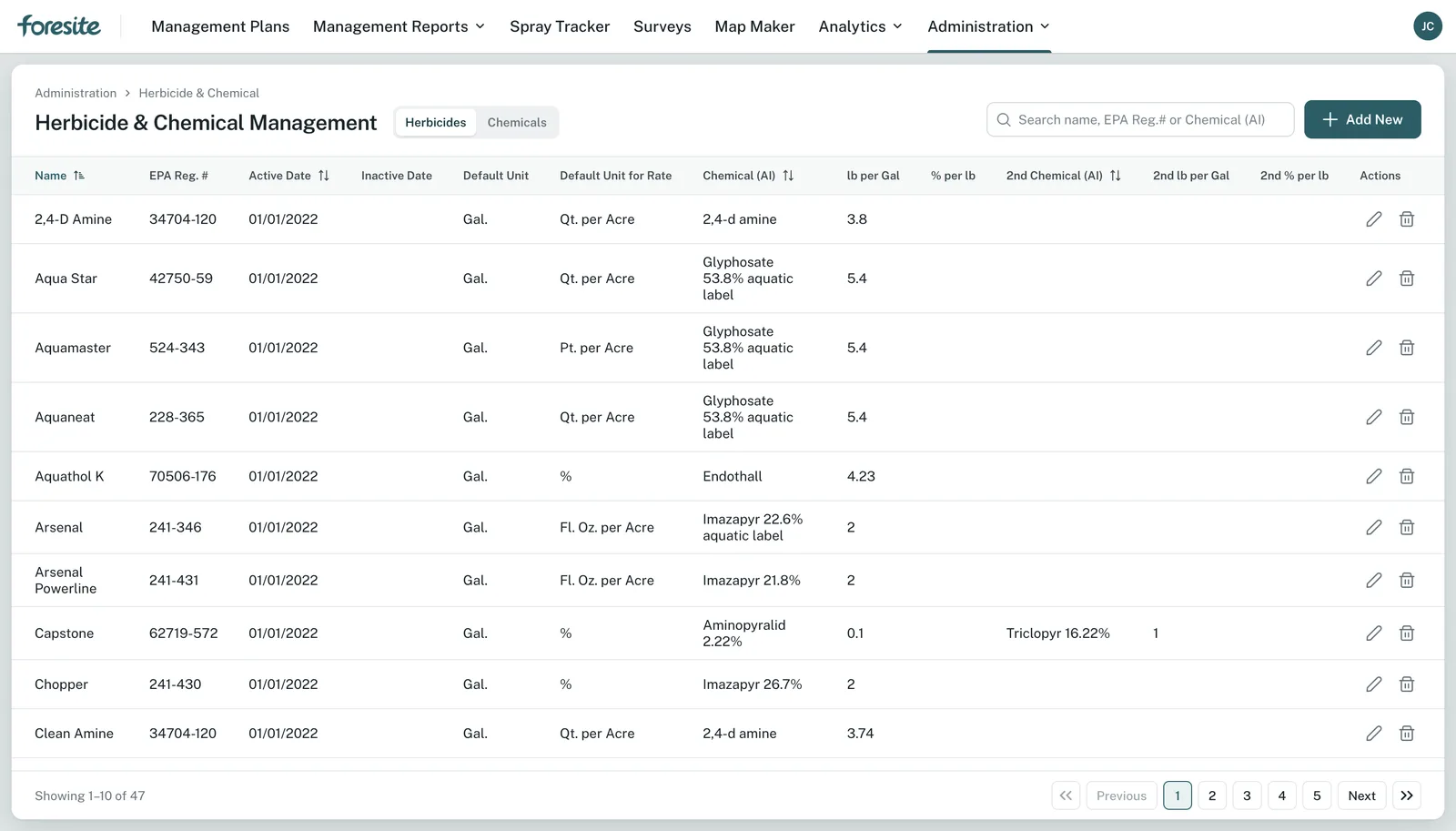
- AdministrationUsers, roles, and organizations. Contracts, option years, and task orders. Programs, sites, and site geometry. Species, treatment methods, herbicides, active ingredients, surfactants, equipment, and labor categories.
Practices
Configured per practice.
The same mobile app, workflow engine, and data model serve each practice. Administrators configure the form fields, photo requirements, pick lists, and approval steps. The app changes what it photographs.
- Identify
- Survey populations by species, extent, and density, with sites ranked by the predictive layer.
- Act
- Chemical, mechanical, or biocontrol treatment with product, surfactant, and amount recorded.
- Verify
- A return survey confirms control and feeds permit, quarterly, and annual reports.
- Identify
- Record sightings, habitat conditions, and presence inside a project boundary or buffer.
- Act
- Assign habitat protection and restoration tasks and track who completes them.
- Verify
- Monitoring confirms status by site and season for the program record.
- Identify
- Find encroachments such as unauthorized structures, objects, or plantings, and record survey monuments as present or missing.
- Act
- Resolve the encroachment. Find, recover, or reset monuments.
- Verify
- Encroachment status recorded, monument inventory reconciled, risk by project.
- Identify
- Permits, structures, and violations along the shoreline, each tied to a location.
- Act
- Permit action or violation resolution assigned and tracked to completion.
- Verify
- Status recorded on the map and reconciled against the permit inventory.
- Identify
- Burn plans and burn windows from wind, humidity, and fuel condition.
- Act
- Execute the burn and capture weather, wind, and polygons, with weather service data feeding go or no-go logic.
- Verify
- Approvals and outcomes documented so partners see the status of each burn, with wildfire and prescribed conditions distinguished.
- Identify
- New detections from inspections, occurrence records, and movement data recommend where to look.
- Act
- Rapid treatment or decontamination on a new detection under an approved plan.
- Verify
- Follow-up monitoring confirms containment and feeds the coordination dashboard.
Roles
Built around the people who do the work.
Five roles set what each person sees and does. Crews see their assignments and reports. Managers see every site in their programs. Administrators configure the system.
Natural Resource Managers
Create and assign plans, run surveys, review and approve reports, and analyze sites.
Applicators
Receive plans, record daily work, and submit weekly reports for approval.
Contractors
Report work under contract with labor, materials, direct costs, and travel, then submit for approval.
Supervisors
Everything a biologist does, plus labor rates, pay categories, and cost allocation to task orders.
Administrators
Users, roles, organizations, contracts, programs, sites, species, methods, chemicals, and lookup tables.
Data
Captured once, structured on entry.
One authoritative record
Each observation, treatment, inspection, and verification enters once and serves reporting at site, district, program, and enterprise level. No re-keying between spreadsheets, files, and systems.
A tiered data model
A program-level schema sets the minimum every site delivers. Districts, agencies, and individual stations add fields for local needs. Each tier includes everything above it and removes nothing, so enterprise reporting reads one model across every site.
Standard schemas, validation at capture
Site geometry, species, methods, and chemicals follow standard schemas and validation rules. Role-based workflows and APIs connect supplier and contractor systems.
Open-source stack
ForeSITE runs on an open-source stack with no third-party license dependency.
The ForeSITE codebase replaced two legacy systems, spreadsheets, and contractor file submissions for a large invasive species program and has run in production since January 2024.
The humans
The people behind the platform.




Licensing
Licensed, hosted, and configured with you.
ForeSITE is licensed as a commercial product per organization. Motivf hosts the platform and configures programs, species lists, treatment methods, contracts, and roles with your team. Motivf supports crews after launch, adds practices as your program adopts them, and ships updates to the web app and ForeSITE Go. Ask about deployment in your own environment.
- Water management and conservation districts
- Federal land and water agencies
- State wildlife, parks, and forestry agencies
- Counties, tribes, and regional authorities
- Contractors who report to any of them
Common questions
Good to know.
Both. ForeSITE is a licensed platform, and Motivf configures it with you: programs, sites, species and feature lists, treatment methods, contracts, and roles. Motivf supports crews and managers after launch.
Invasive species management runs in production today, including flora, fauna, and biocontrol. Endangered species, boundary, shoreline, prescribed fire, and early detection and rapid response use the same workflow with practice-specific forms, pick lists, and approval steps configured for your program.
Mobile and web. ForeSITE Go runs on iOS and Android for field capture. The web application runs in a browser for planning, approval, analysis, and reporting.
Yes. The contractor role covers daily reports with labor by category, equipment, treatment materials, direct cost items, and travel expenses. Costs calculate from the rates in the contract and allocate to specific task orders to manage option years.
Applicators and contractors submit weekly reports. A biologist approves or rejects with a reason. Rejections reach the submitter by email with the reviewer's name and the correction needed. Approved reports lock and finalize cost allocation.
Fragmented data collection and reporting across several apps. Geodatabases, spreadsheets, and dashboards all held the data, but users had to export, import, and manipulate to get it in a workable format. ForeSITE brings those systems into one solution, from initial reporting to deeper analysis, without locking your files in a proprietary format.
Send a short note on the problem you face and the limits of your current workflow. The team will walk you through the platform and scope a configuration for your use.
Get in touch
Talk to the ForeSITE team.
Tell us the practices you manage and the systems you report into today. We will show you what one record changes before you commit.
hello@motivf.com